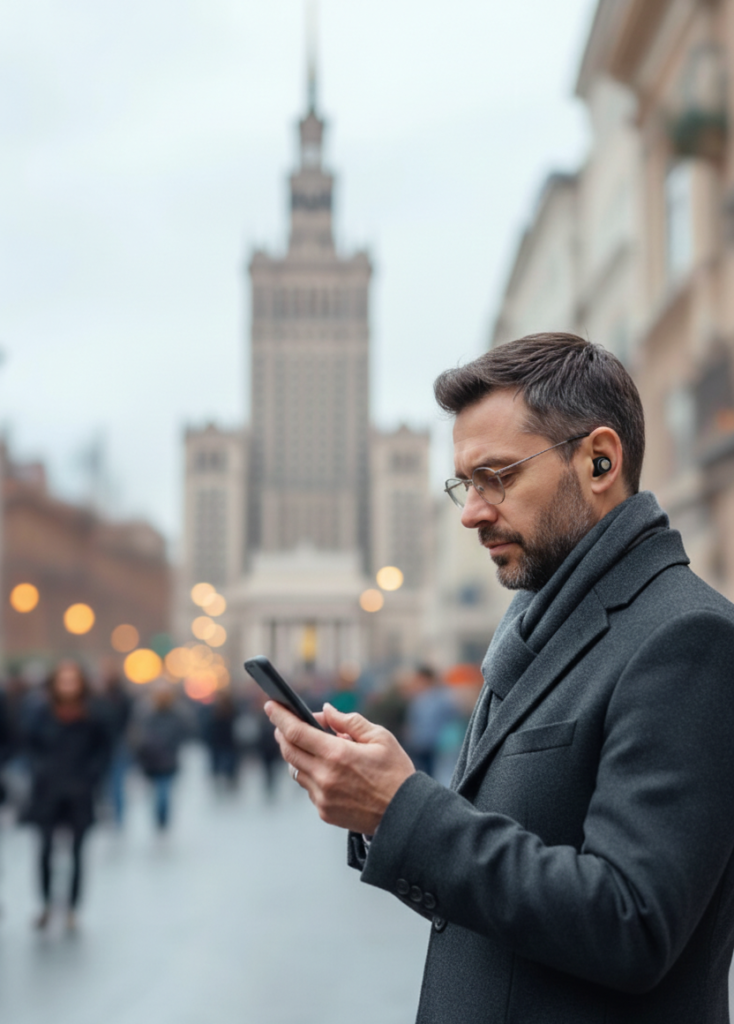
Open the VoiceMap App and Sign Up for a new account or use your email or Facebook to Sign-in.
Sign-in to your new VoiceMap account.
If you have a Tour Code (6 characters) go to Tour Code option at the lower right, Then select Enter Code at the top right and enter the character code at the bottom of the screen. It will tell you that it worked and you should download the tour. It will show up in the Library option at the bottom.
To buy a tour, go to the Explore option and search Talking Cities to find the tour you want to buy.